Home > Products > Access Control > Readers
F9-C51 access control card reader features a 2.8-inch 320×240 high-definition LCD display with touch-key operation for an intuitive user experience. The device supports voice prompts throughout standby and card-reading processes, and is equipped with built-in PSAM card encryption to ensure high-level security for CPU card authentication. It also supports QR code scanning from both directions for convenient access control, making it ideal for various smart entry management applications.
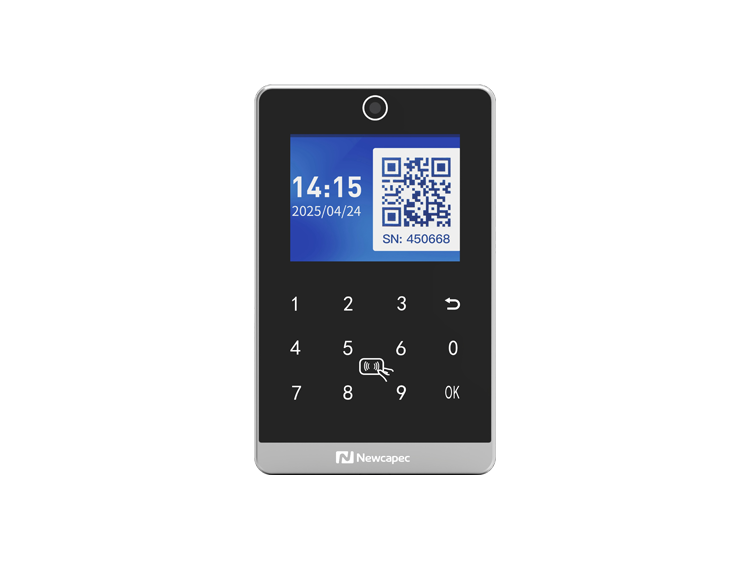
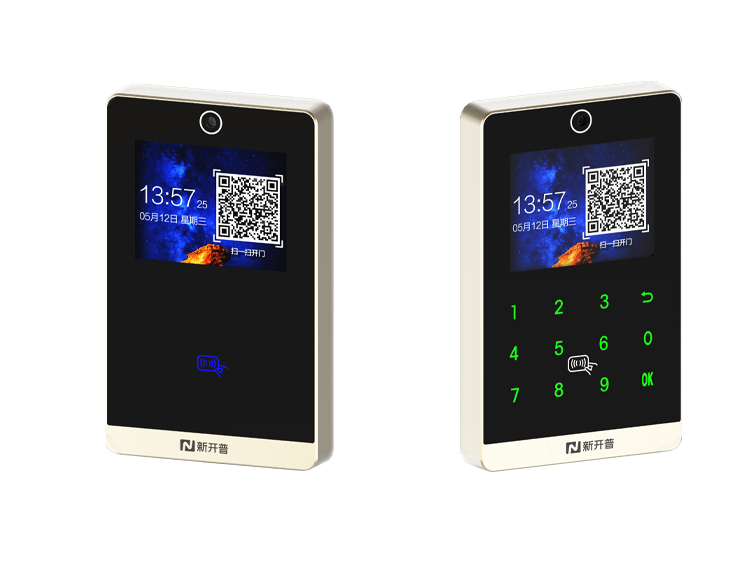
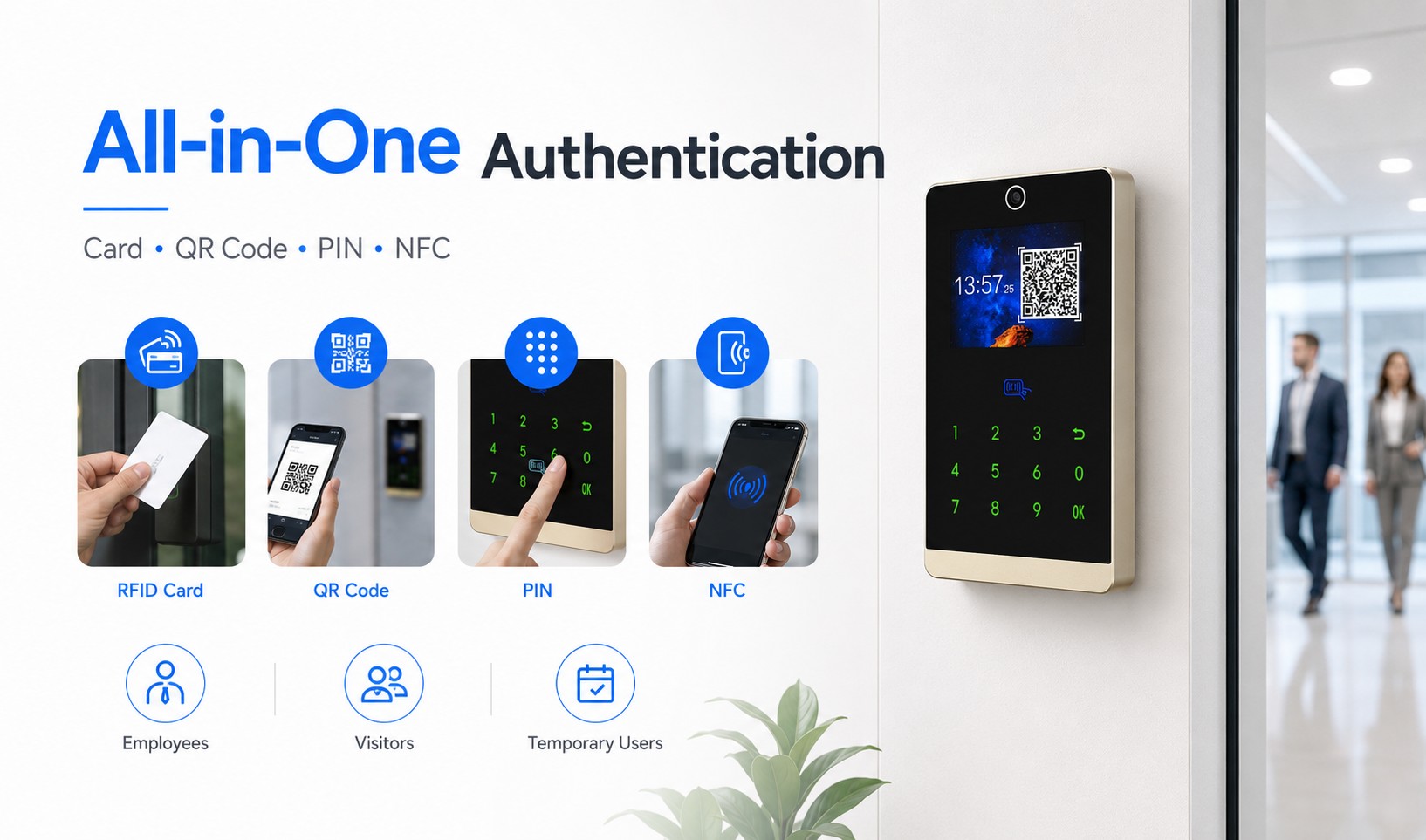
Integrating card authentication, front and rear QR code scanning, password verification, and ID number + password authentication into one device, the terminal supports standard 13.56MHz M1 cards, CPU cards, and mobile NFC access. It combines traditional card access habits with modern mobile entry methods, providing convenient access for employees, visitors, and temporary users across all scenarios.
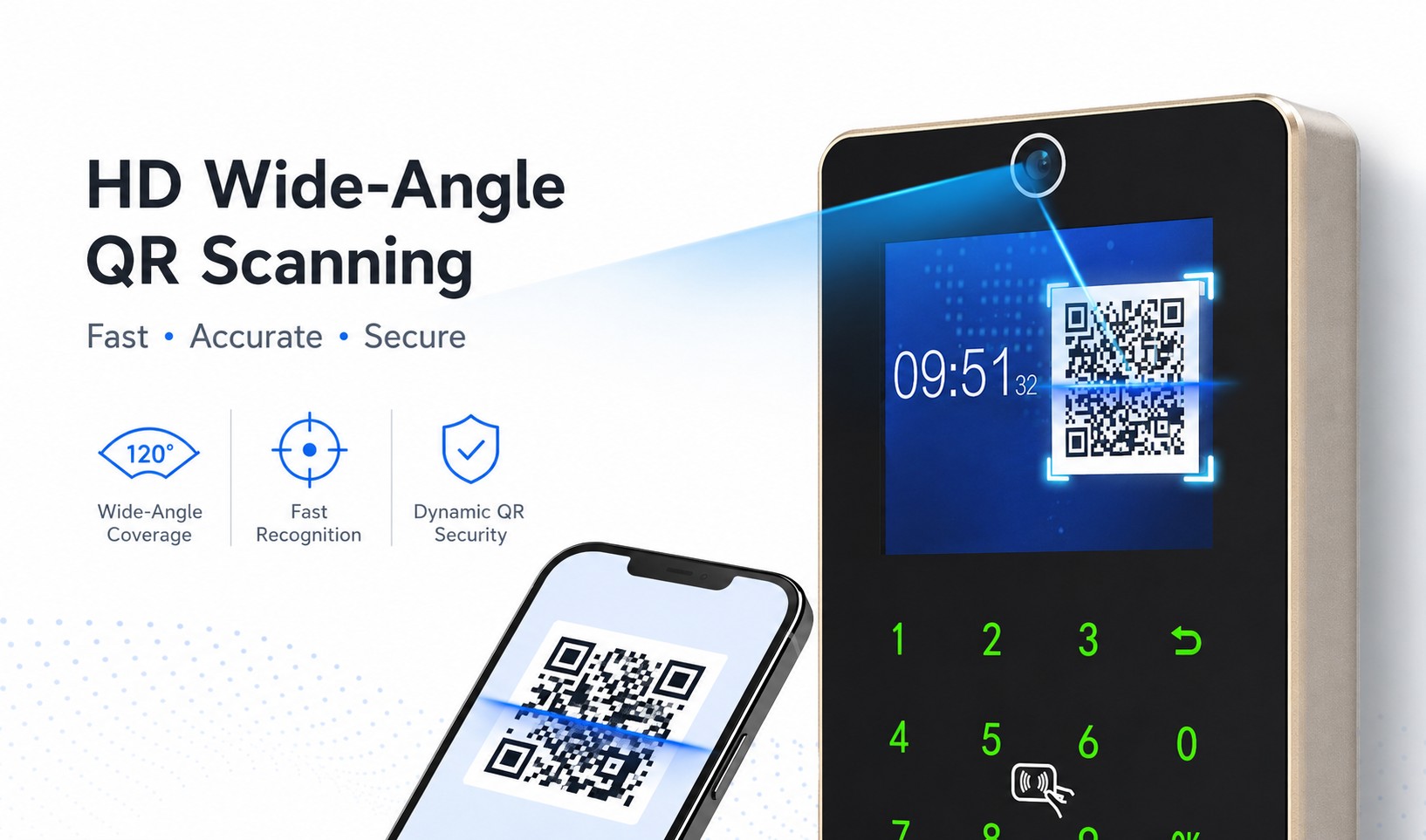
Equipped with a high-definition wide-angle camera, the device supports fast scanning at distances from 5–30 cm with flexible scanning angles, eliminating the need for precise alignment. Dynamic QR codes update in real time to prevent duplication and unauthorized copying, ensuring high recognition accuracy and fast response for smooth access even during peak traffic periods.
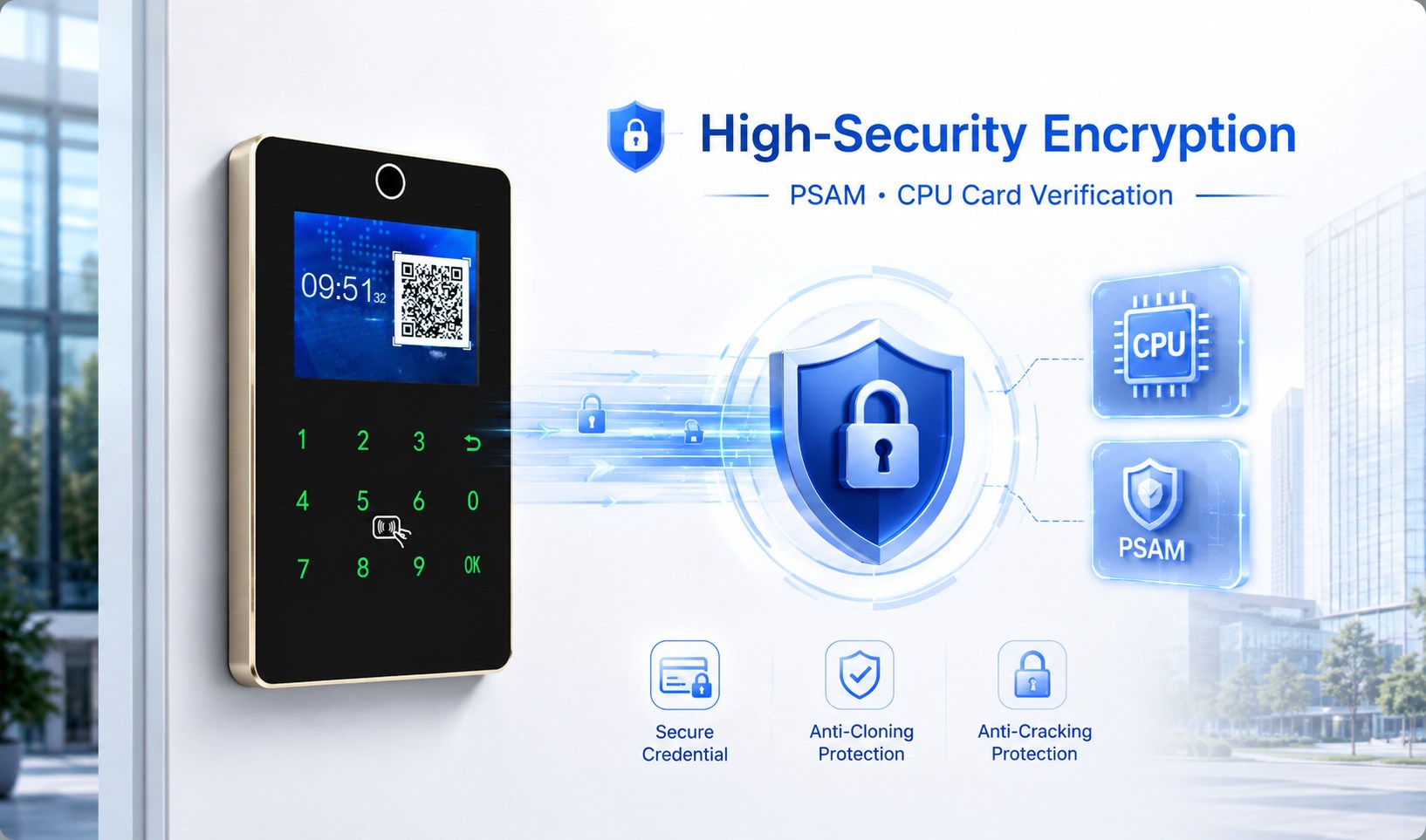
Supporting PSAM-based secure encryption authentication and optional CPU card content verification, the system effectively prevents unauthorized access using cloned or counterfeit cards. It also provides two selectable verification levels—card number verification or card content verification—allowing flexible security configuration to meet the requirements of campuses, office buildings, schools, and other high-security environments.
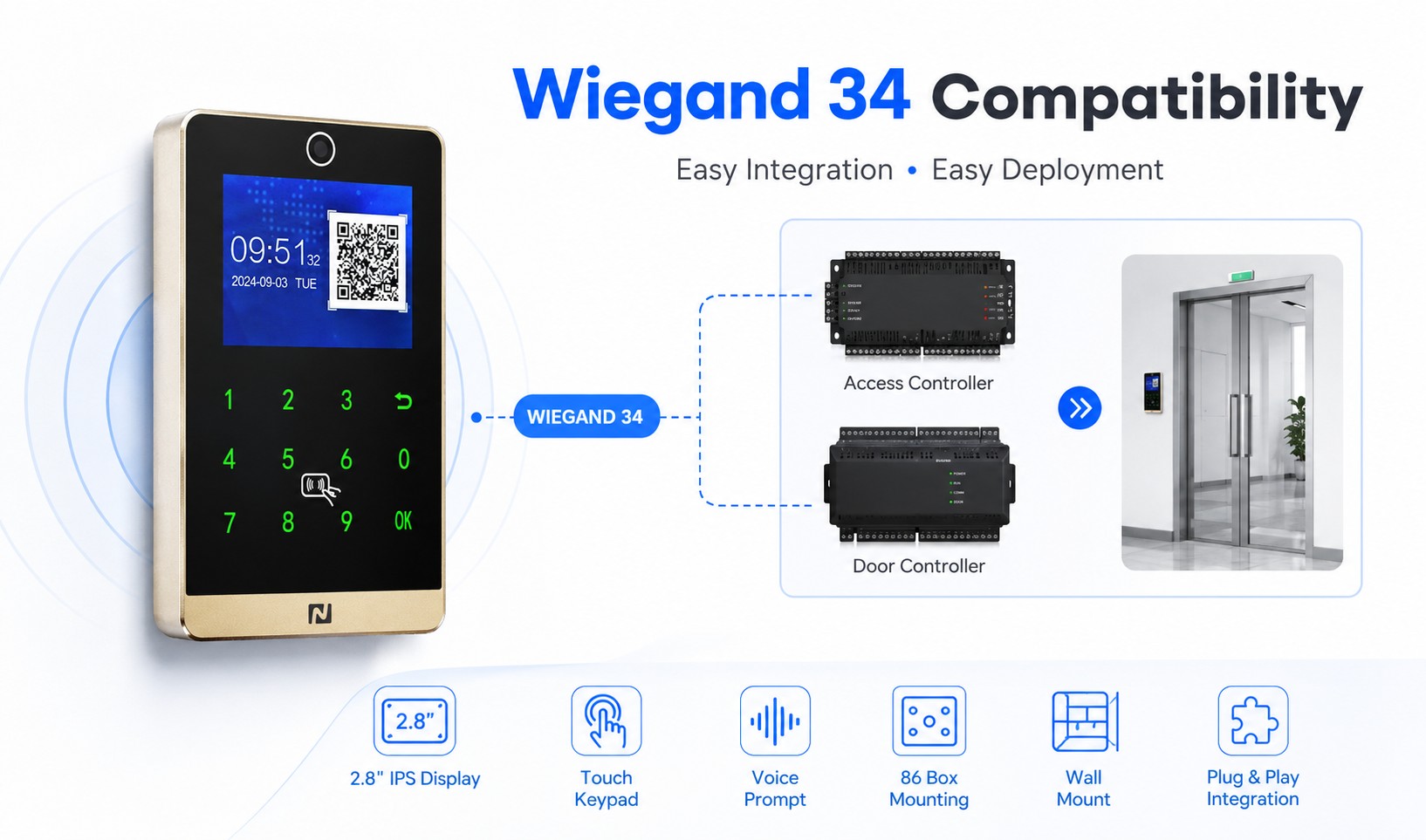
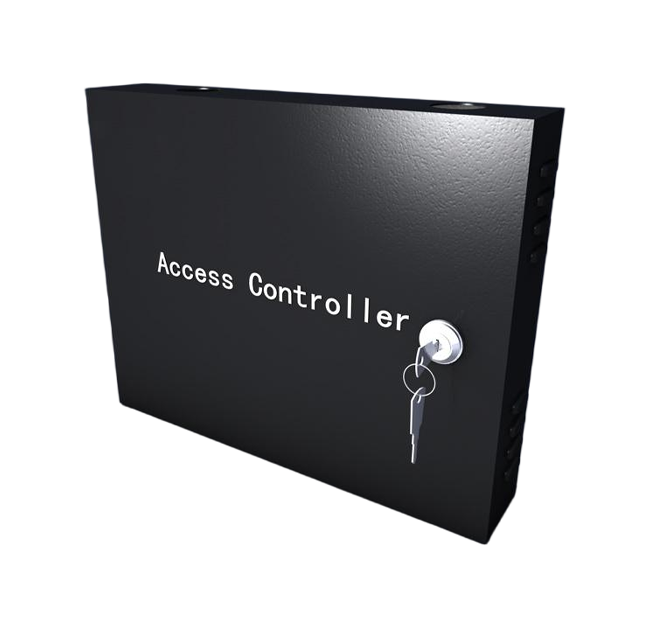
Using standard Wiegand 34 communication protocol, the device is fully compatible with the Xinkaipu I2 Series controllers as well as most third-party access control systems. It supports simple wiring and plug-and-play deployment. Featuring a 2.8-inch IPS display, touch-key operation, and real-person voice prompts, the terminal delivers an intuitive user experience. Installation supports both standard 86-box mounting and wall mounting, making it ideal for both retrofit projects and new deployments.
ARM Cortex-A7 Processor
128Mbit
2.8-inch IPS Display, Resolution 320 × 240
Wiegand
QR Code, Card, Password
QR Code Scanning Camera
M1 Card, CPU Card, Mobile NFC
0–5 cm
1 × Buzzer
1 × PSAM Card Slot,1 × SD Card Slot
DC 9–15V
≤5W
-10°C ~ 50°C
0–90% RH (Non-condensing)
132 × 82 × 18 mm
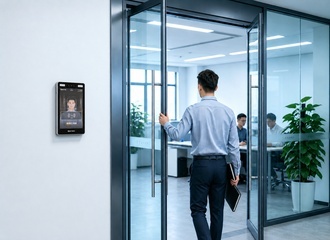
Card-based access verification for entrances and exits
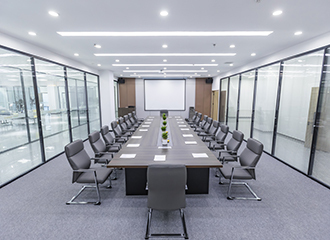
Personnel access authentication for office areas

Card or QR code access verification for high-security areas
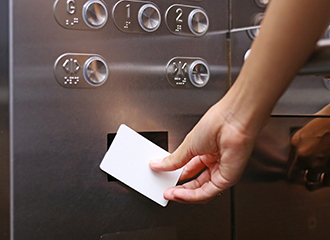
Access permission verification for floor passageways
With over 20 years of experience in smart hardware R&D and manufacturing, Newcapec delivers high quality and reliable smart terminal products and solutions for customers worldwide. Supported by a professional engineering team, intelligent manufacturing capabilities, and strict quality management systems, we provide one-stop services covering product design, OEM/ODM customization, mass production and technical support, helping enterprises, industrial parks, campuses and communities build safer, smarter and more efficient smart spaces.
Contact UsThe QR code access control reader supports multiple types of QR codes, including dynamic QR codes generated by mobile apps, static QR codes, and visitor QR codes. Users can select the appropriate authentication method based on different application scenarios.
Yes. Depending on the product model and project requirements, the device can integrate multiple authentication methods, including IC cards, passwords, and mobile app-based remote access, enabling multi-modal identity verification.
It supports various installation methods, including wall mounting, integration with turnstiles and embedded installation. The devices can be flexibly deployed according to different project environments and application requirements.
Yes. The device supports standard communication protocols and SDK/API interfaces, enabling integration with access control controllers, management software, and third-party platforms from various brands, making it easy for customers to upgrade their existing systems.
Yes. By connecting to an access control management platform, administrators can remotely configure user permissions, manage device status, and query access logs, enabling centralized management across multiple locations and devices.